
Every year I watch the same cycle repeat in the laptop aisle: a new processor launches, manufacturers slap it into last year's chassis, and the price jumps 200 premium often pays for a sticker, not a performance gain you'll actually feel. Meanwhile, keyboard travel gets shallower, trackpad tolerance loosens, and port counts shrink—all to protect margin after the chip cost ate the budget. A well-built previous-generation machine with proper cooling and a comfortable keyboard will serve you longer than this year's speed-bump special. A laptop worth buying at full price has to deliver on thermals, build, keyboard, battery, and support — not just a faster chip on the spec sheet. This column is about reading past the processor, and "Let's see if it's tech or tax."
The Chip Is the Cheapest Part of the Upgrade
Here's the conclusion first: when a laptop gets a new processor and nothing else changes, most of the price increase is margin, not engineering. In my old role I sat in enough pricing meetings to know how lineups get built. Brands tier products deliberately — a stronger CPU at the top of the stack justifies the ladder, even when the chassis, screen, and cooling are identical to the mid-tier model.
What Actually Changes With a CPU Bump
I ran a side-by-side last spring when helping my wife Erin replace her aging work machine. Same brand, two models, 35 of measurable performance on a $250 delta.
Spec Line | What the Sticker Says | What I Measured |
|---|---|---|
Processor | "Up to 20% faster" | 6–8% in daily office work |
Thermals | Same cooling as last year | Fan noise under sustained load |
Battery | "Up to 12 hours" | 7.5 hours of mixed use |
Price delta | +$250 | ~$35 of real-world gain |
Where the Money Actually Goes
Marketing and shelf placement — retail slotting fees get baked into flagship SKUs
Feature gating — the nicer screen or bigger battery is often reserved for the top chip, on purpose
Planned obsolescence of the lineup — last quarter's model gets quietly devalued to steer you upward
How to Tell If a Gadget Is Overpriced: My Five-Minute Audit
Conclusion first: you can learn how to tell if a gadget is overpriced without opening a single benchmark. The processor tells you almost nothing; the supporting hardware tells you everything. A fast chip throttled inside a thin, poorly-vented chassis performs like a mid-range machine with better branding.
The Audit I Run Before Paying Full Price
Check the cooling, not the clock speed. Hold the demo unit, feel the vents, read sustained-load reviews (not short-burst benchmarks).
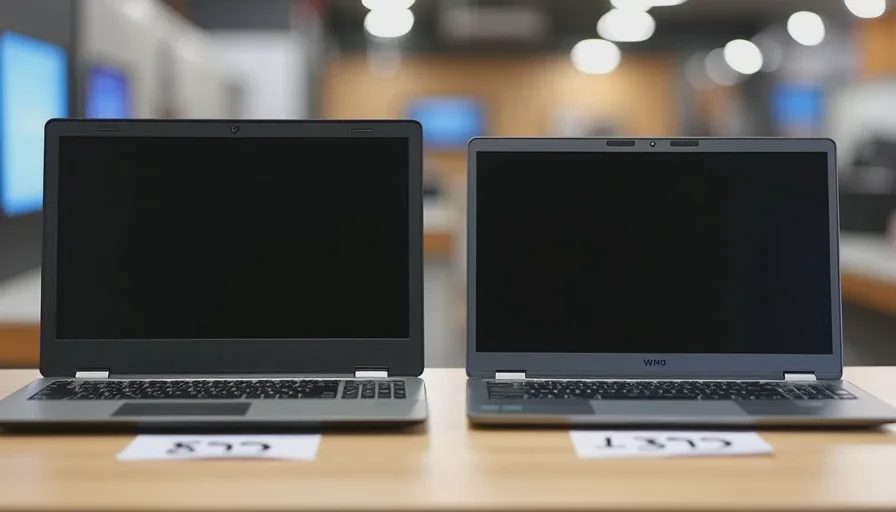
Compare the chassis across the lineup. If the 899 one, you're paying for a number.
Look at the warranty and support tier. This is where cheap machines get cheap quietly.
Price the same chip elsewhere. If the identical CPU ships in a rival's laptop for $300 less, the difference is brand tax and screen, not silicon.
Ask what you'll actually run. My son Nolan edits video on a three-year-old mid-tier laptop; my daughter Tess's school machine is a budget model that browses and streams just fine. Neither needs this year's chip.
When Full Price Is Actually Fair
I'm not anti-premium. I'm anti-paying-premium-for-one-line-item. A laptop worth buying at full price usually shares these traits:
Signal | Overpriced Model | Fairly Priced Model |
|---|---|---|
Cooling redesign | Same as cheaper sibling | Vents and fans sized to the chip |
Screen | Held back to upsell you | Consistent across the tier |
Battery | Rated hours, tested minutes | Third-party tested within 15% |
Price vs. rivals | $200+ above same-silicon peers | Within $75 of equivalent builds |
The Compromise Is the Story
At this price, the compromise is the story. Every laptop is a bundle of trade-offs — thinness against thermals, battery against weight, price against support — and a processor upgrade doesn't renegotiate any of them. Before you pay full price, ask which compromise you're actually funding. If the answer is "a nicer number on the box," wait for the inevitable sale. If the whole machine moved forward — cooling, display, battery, build — then the sticker is closer to honest. Worth it? Let's run the numbers, not the marketing.