
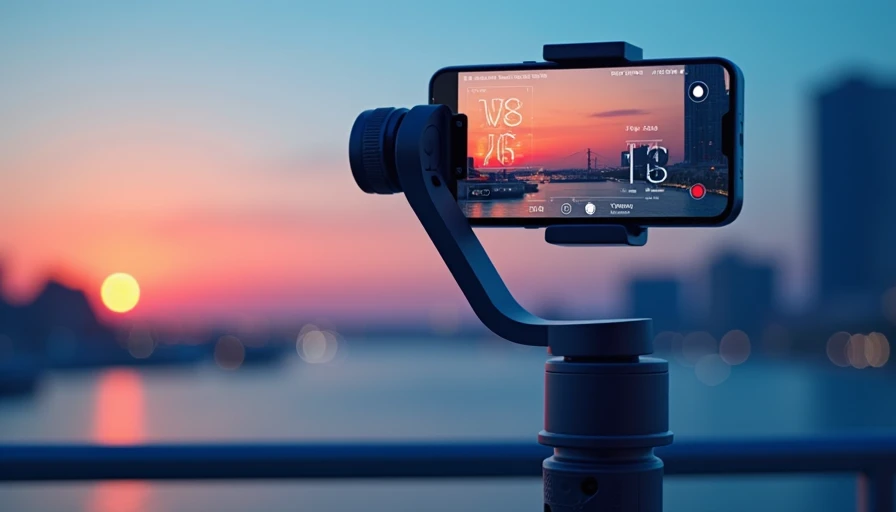
This dji osmo mobile 7 review is for the person who wants smoother phone video without turning a family trip into a small film production. DJI’s latest smartphone gimbal is compact, easier to carry than a mirrorless setup, and aimed at creators who shoot vacations, kids’ activities, product clips, and social video. The important question is not whether a three-axis gimbal can smooth footage. It can. The question is whether this model earns its price after you account for app requirements, phone weight, charging habits, and how often you actually record.
What the DJI Osmo Mobile 7 does well
The core hardware is familiar but useful. The motorized three-axis stabilization helps reduce the small shakes and jerky pans that optical stabilization inside a phone cannot always eliminate. Walking shots look more controlled, especially when you hold the handle with two hands and move deliberately. The phone clamp also gives you a more comfortable grip than holding a bare smartphone at arm’s length for several minutes.
DJI’s ActiveTrack feature is the headline convenience. When it works well, the gimbal can keep a person or subject framed while you walk, talk, cook, or demonstrate something. That matters for solo creators who do not have someone behind the camera. It is also handy for recording a child’s soccer practice or a cooking tutorial without constantly correcting the framing.
The dji osmo mobile 7 review takeaway here is straightforward: stabilization is the product’s real value, not the cinematic language used to sell it. A newer iPhone or Samsung Galaxy already captures sharp video. The gimbal makes that sharp video easier to watch.
The compact folding design should also fit in a small backpack or desk drawer. That sounds minor until you compare it with a dedicated camera rig. A device that comes with you can produce better results than a superior device left at home.
Setup, app limits, and everyday handling
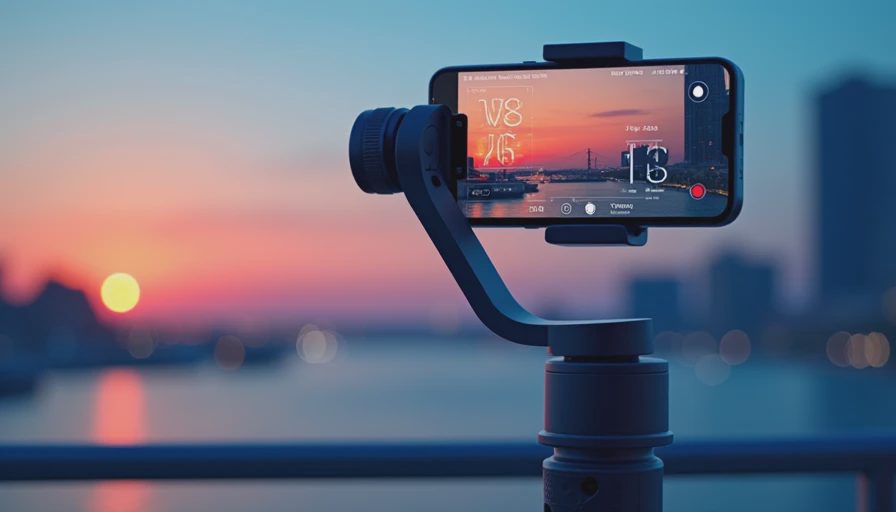
Pairing the gimbal with a phone is generally simple, but DJI’s software is part of the buying decision. The company’s Mimo app adds guided shooting modes, tracking controls, templates, and camera adjustments. Those tools are useful if you want a hands-off filming experience. They can also feel like an extra gate between you and the camera app you already know.
This is where the dji osmo mobile 7 review becomes less about motors and more about ownership friction. Depending on your phone and preferred workflow, some features work best through DJI’s app rather than Apple’s Camera app or the standard Android camera. If you mainly want to press record and edit later, that distinction may not matter. If you rely on a specific phone camera mode, third-party app, or high-end manual control, verify compatibility before ordering.
The physical controls are more valuable than they look. A joystick lets you make slower pans than your wrist can manage, while a trigger can help recenter the phone or change tracking behavior. A small built-in extension rod and tripod-style support, where included with the package you choose, can replace a couple of accessories in a travel bag. Pay attention to the exact bundle, because retail packages often separate the standard gimbal from versions with added accessories.
The handle is comfortable for short sessions, but this remains a phone accessory, not a professional cinema rig. A large phone with a rugged case can make balancing and motor clearance less convenient. Remove a thick case if the clamp feels strained or the device tilts after mounting.
Stabilization in real use
The easiest way to test a phone gimbal is to walk with it, not wave it around in a store. On a sidewalk, the Osmo Mobile 7 should smooth ordinary arm movement and reduce the vertical bounce that appears when you hurry. It will not turn a fast walk into a floating camera move. Your stride, grip, and direction still matter.
For talking-head clips, the benefit is even clearer. Set the phone on a tripod, enable tracking, and you can move within a modest area without asking another person to adjust framing. That is practical for sellers making marketplace videos, parents recording demonstrations, and small businesses producing quick social posts.
The dji osmo mobile 7 review also needs to mention the limits. Tracking can lose a subject when people cross in front of it, lighting becomes poor, or the subject moves outside the frame too quickly. Motors can struggle with an unusually heavy phone or accessory. Stabilization cannot fix bad exposure, distracting backgrounds, muffled audio, or a camera lens that is dirty. A $20 clip-on microphone may improve a talking video more than another software mode.
At this price, the compromise is the story: you get better physical control, but not a replacement for lighting, sound, or shooting technique.
Battery, charging, and travel value
Battery life should be sufficient for normal outings, but your phone is still the weak link. Recording high-resolution video, using tracking, keeping the screen bright, and maintaining a wireless connection can drain the phone faster than the gimbal itself. For a day at a theme park or a long road trip, bring a power bank and avoid treating the gimbal as your only charging solution.
The useful travel feature is the reduction in separate gear. One folded device can provide a grip, stabilization, a stand, and sometimes an extension rod, depending on the bundle. That is easier to justify than buying a gimbal and then discovering you need another $30 to $60 in accessories.
In this dji osmo mobile 7 review, I would place portability above battery claims. A gimbal that folds small and sets up quickly is more likely to be used for a vacation sunset, a school event, or a quick product clip. If setup takes too long, most people return to handheld video after the first week.
Price, bundles, and the smarter time to buy
DJI’s retail strategy usually creates more than one way to buy the same basic product. A standard package may be the better value for phone owners who already have a tripod and do not need an extension rod. A creator-focused bundle can make sense when the included accessories would cost roughly $30 to $70 separately, but only if you will actually use them.
Watch for launch pricing, holiday promotions, and open-box inventory at major retailers. Phone gimbals often receive meaningful discounts after the early excitement fades. The right comparison is not the biggest crossed-out price on a product page. Compare the current gimbal with last generation’s model, the included accessories, the return policy, and whether your phone is supported.
The dji osmo mobile 7 review value calculation is simple. At around the lower end of the typical premium phone-gimbal category, it is easier to recommend for frequent video users. Near full launch pricing, wait for a promotion unless you need its tracking and folding design immediately. A previous DJI model at $20 to $50 less can be the smarter buy if its app support and payload suit your phone.
Who should buy it?
Buy the Osmo Mobile 7 if you regularly film yourself, travel with a phone, make social content, or want smoother walking footage without learning a camera rig. It is especially useful for one-person shooting, where tracking can save repeated takes. It is also a reasonable upgrade for someone whose old phone grip lacks a joystick, reliable tracking, or a stable tripod mode.
Skip it if you record only occasional clips, mostly use a tripod, or expect it to make mediocre footage look professional by itself. A compact tripod and a small microphone may deliver more obvious improvement for a casual family videographer. You should also skip the purchase if you dislike companion apps and will not use DJI’s controls.
My dji osmo mobile 7 review verdict is positive, with a price warning. This is useful tech rather than marketing tax when you shoot often and take advantage of tracking, controls, and portability. It becomes tax when the gimbal spends most of its life in a drawer. Buy the standard kit during a credible sale, confirm phone compatibility, and let your actual recording habits decide whether the upgrade earns its space in your bag.